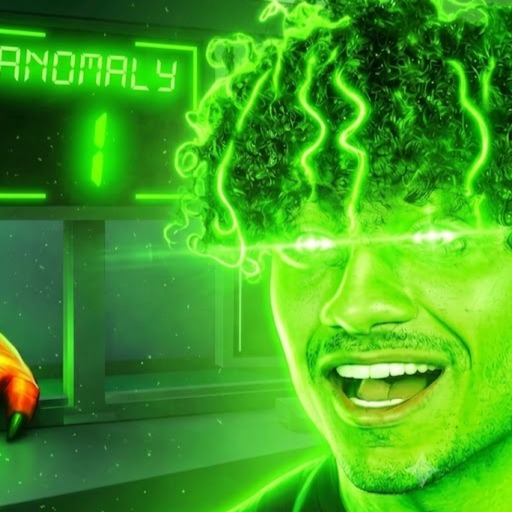
Anomaly Clinic: SANDBOXX
Guide hub

Anomaly Clinic: SANDBOXX Guides

Choose first-shift help, sandbox access checks, or troubleshooting for the exact SANDBOXX place.

Choose the guide that matches your current SANDBOXX task

Start with the beginner guide to confirm place 89294506890787 and learn one clinic interaction. Use the sandbox guide for observed admin access without guessed prices. Use troubleshooting when controls, server state, mobile input, or a panel label does not match what you see. Choose a first-shift guide, sandbox access guide, troubleshooting path, or checklist planner; each child shows what is visible now, observed in gameplay, or still unknown.

Recommended guides

Start with pages that match real player questions

Pick the guide that matches your current problem, then use the exact-place checks before following an old or lookalike-game instruction.

Before you follow a walkthrough

Match creator Voltber3877, place 89294506890787, and universe 10610105255 first. Similar clinic games use different commands, passes, rooms, and controls. If the IDs differ, return to the exact Roblox listing instead of copying the steps.

How to test safely

Start in a clean server, pick one goal, and test one visible control at a time. Record the label, device, and result. Do not guess a price, unlock level, or server-wide effect when the live screen does not show it.

Choose your next step

New players should learn one clinic interaction in the beginner guide. Players looking for admin access should use the sandbox guide and command explorer. If a button is missing, a purchase fails, or mobile input differs, open troubleshooting and capture only the smallest reproducible sequence. The shift planner turns those checks into a short personal checklist without inventing game stats.

Continue with SANDBOXX help

Pick the next player task. Pages keep the exact place identity visible and mark unverified details clearly.